Welcome

· One min read
Ernie Ofori
Product Development @ NTRMS

Complete your account setup with NTRMS in minutes!!.

Go through the 5 min NTRMS Basics tutorial to integrate your system to the NTRMS API

Access the NTRMS Management Console to manage your account and api calls:

NTRMS Console

All these can be done the same day!!!.

The Management console also offers a rich set of innovative features including a smart dashbord for monitoring your revenue activities.

NTRMS Dashboard

Enjoy!

Using the NTRMS API Framework for Revenue Monitoring

· One min read
Ernie Ofori
Product Development @ NTRMS

Here is a quickstart guide on how to use the NTRMS API Framework for NTRMS Event integration,

With your device activation details, you can submit authorized NTR Activity events to the NTRMS engine through API.

Deposits can be made by contacting NTRMS Team.

Login to the NTRMS Service Management Console at NTRMS Console to view and retrieve your apicode and apikey of your account.

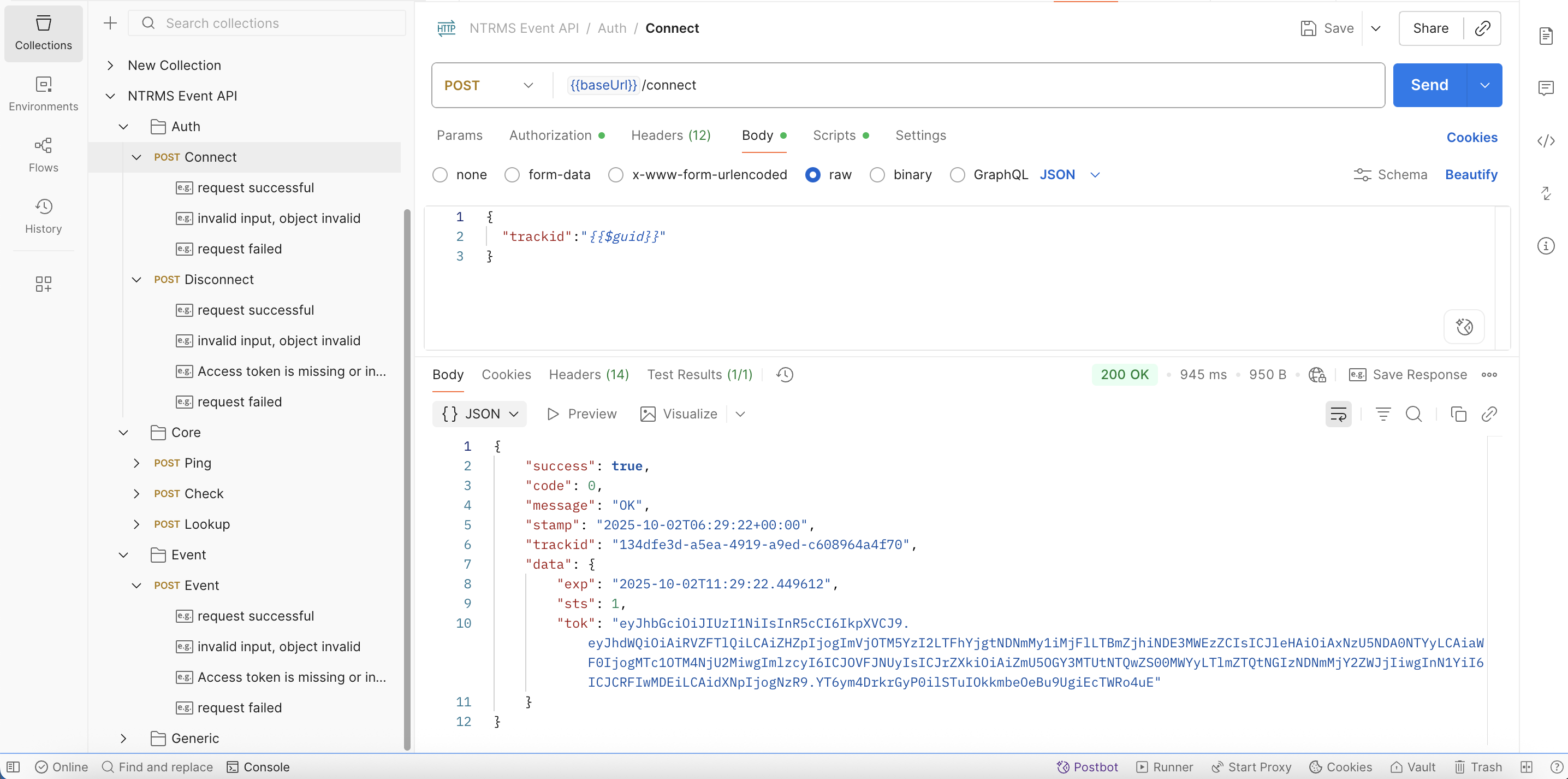
Use the NTRMS Postman Collection provided to test all services to ease in the preparation of your client app.

Use the apicode and apikey on your account, as the username and password respectively to prepare a basicAuth token to authenticate to the NTRMS API using the Connect API.

Use the JWT token returned by the Connect API as a bearer token to access all other NTRMS APIs.

For more details, see the NTRMS Basics Documentation.

NTRMS API Framework

· One min read
Emmanuel Amoako
NTRMS Team

Clients must complete a device activation process, including submitting relevant device identification and addressing.

Requirement to complete the device activation:

  1. Device Name
  2. IP Address
  3. Entity (MDA)
  4. Location

Important Notices:

  • Entity codes will be assigned using a standard procedure/format to represent MDAs on the platform. Below is a reference:

A server registration form will be provided to collect appropriate verification and authorization data.